
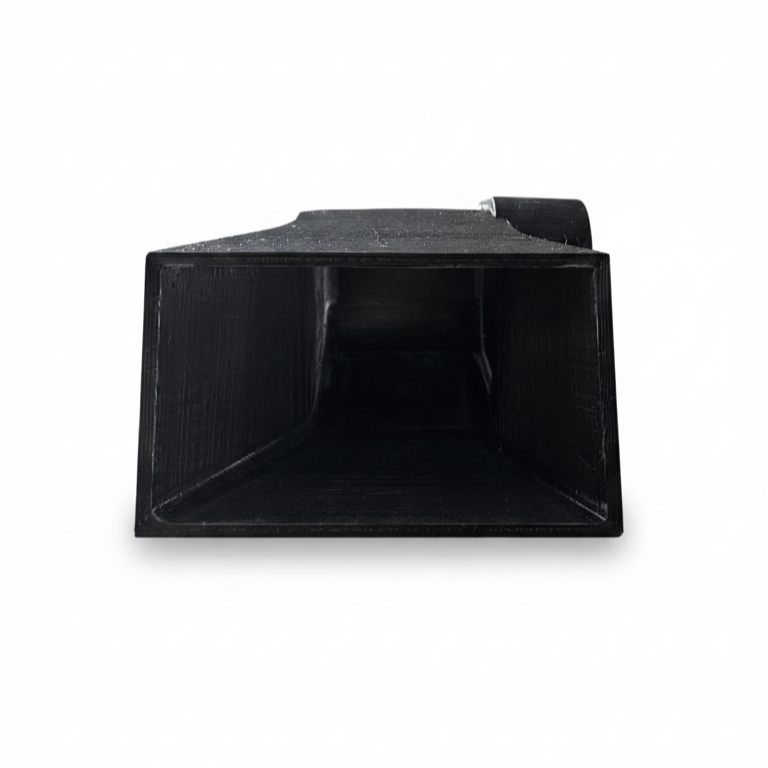
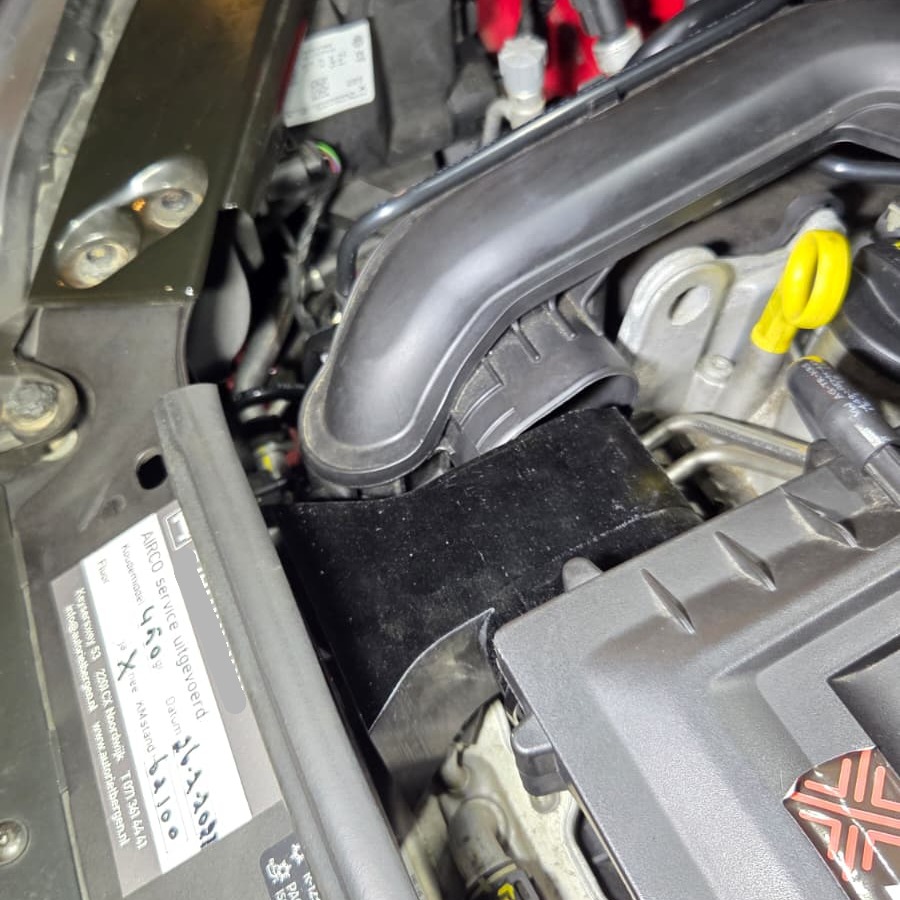
UpYourCarPlay 3D-Printed Cold Air Intake
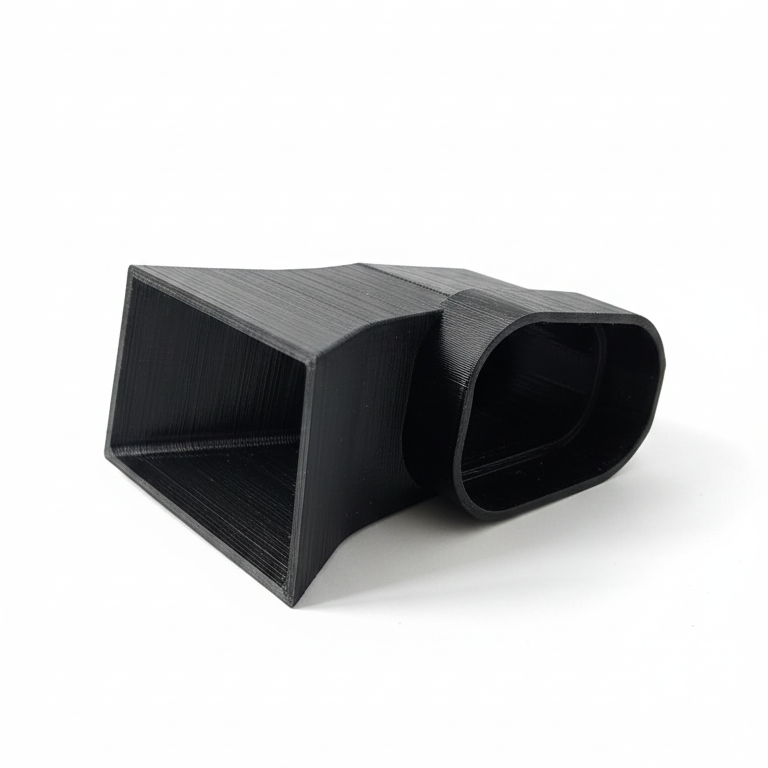
Boost the performance of your car with our custom 3D-printed Cold Air Intake. Directs cold air straight through the air filter to the turbo for more efficient combustion, increased power, and faster throttle response. Easy to install; no permanent modifications needed.
What’s Included & Installation
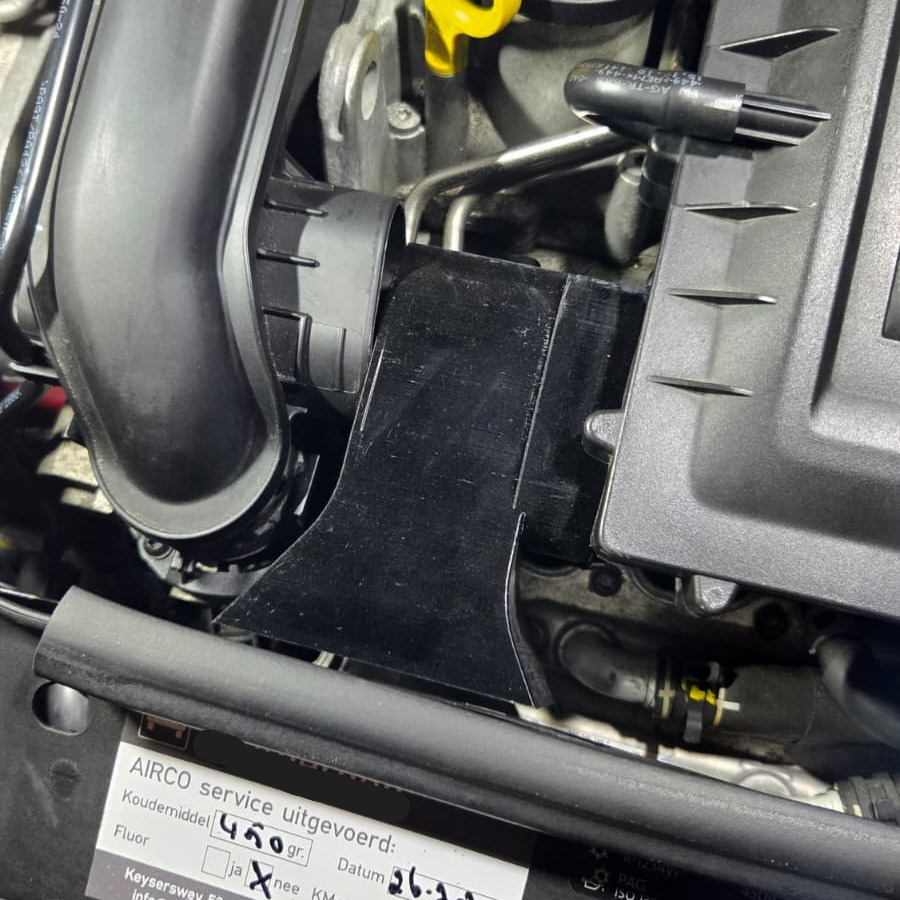
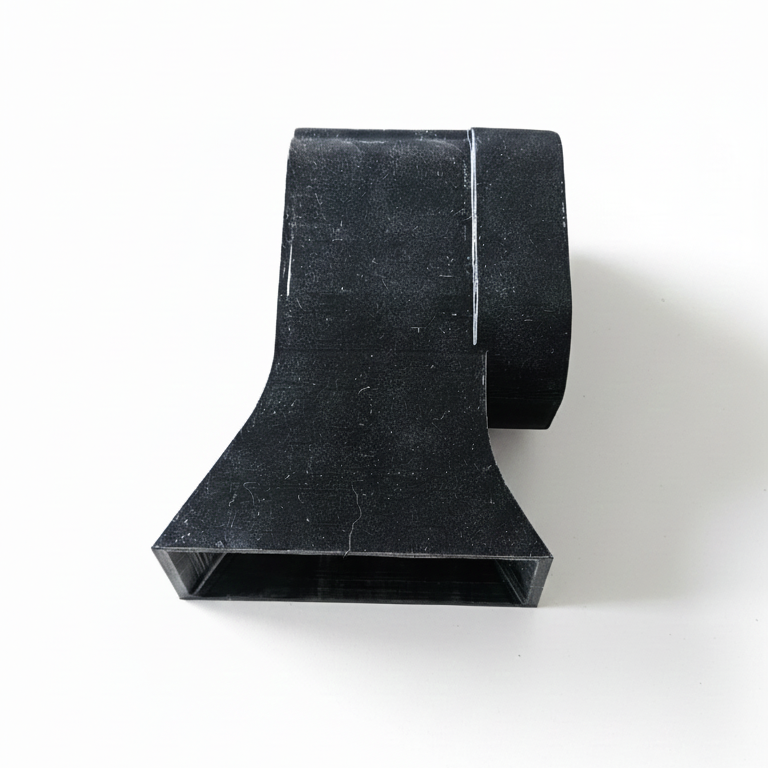
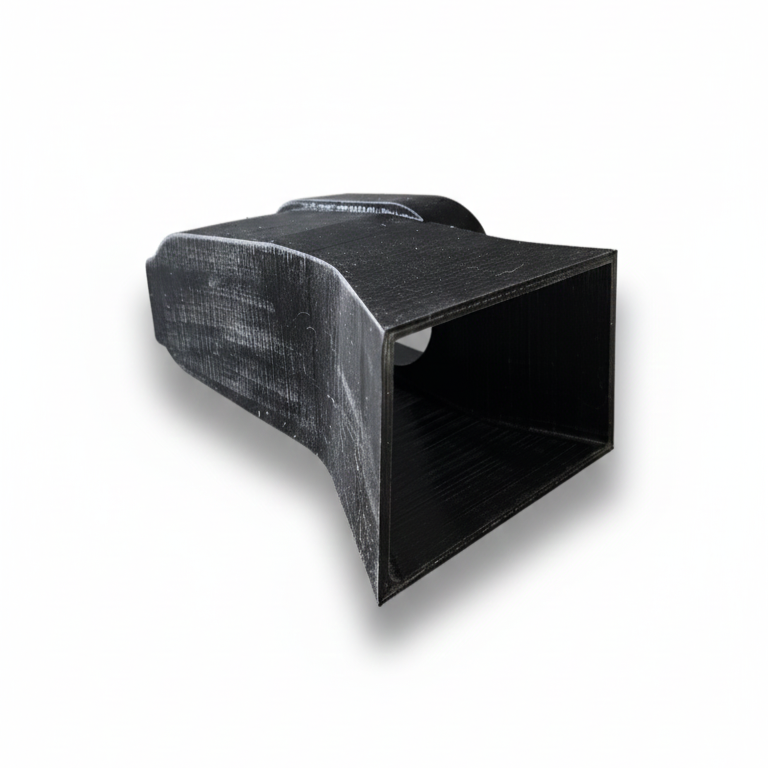
3D-printed Cold Air Intake parts – perfectly matched to OE mounting points
Required mounting hardware
Installation Steps
-
Remove the air filter using 1x Torx. Make sure the air filter can be fully removed; there are plenty of instructional videos on YouTube if needed.
-
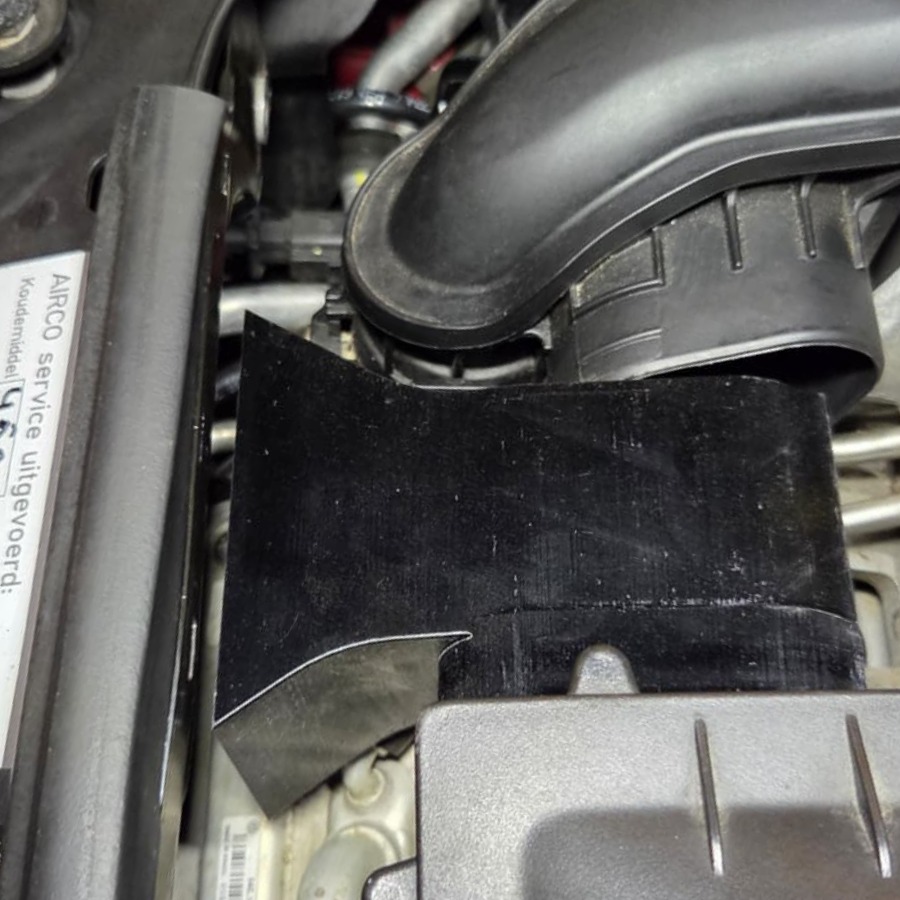
Lightly heat the mounting side of the UpYourCarPlay Cold Air Intake (the part that slides onto the air filter) with a hairdryer.
-
Carefully slide the Cold Air Intake onto the left side of the air filter. Note: Do not overheat, or it may deform; if not heated, the plastic may rub or break. Light heating is needed due to the tight fit, ensuring as much cold air as possible reaches the turbo.
-
Once the Cold Air Intake is mounted, replace the air filter in its original position.
Compatibility
Models: Volkswagen Up, Seat Mii, Škoda Citigo
After installing all components
Your car is expected to gain 5 to 10 hp extra.
Recommended Combination
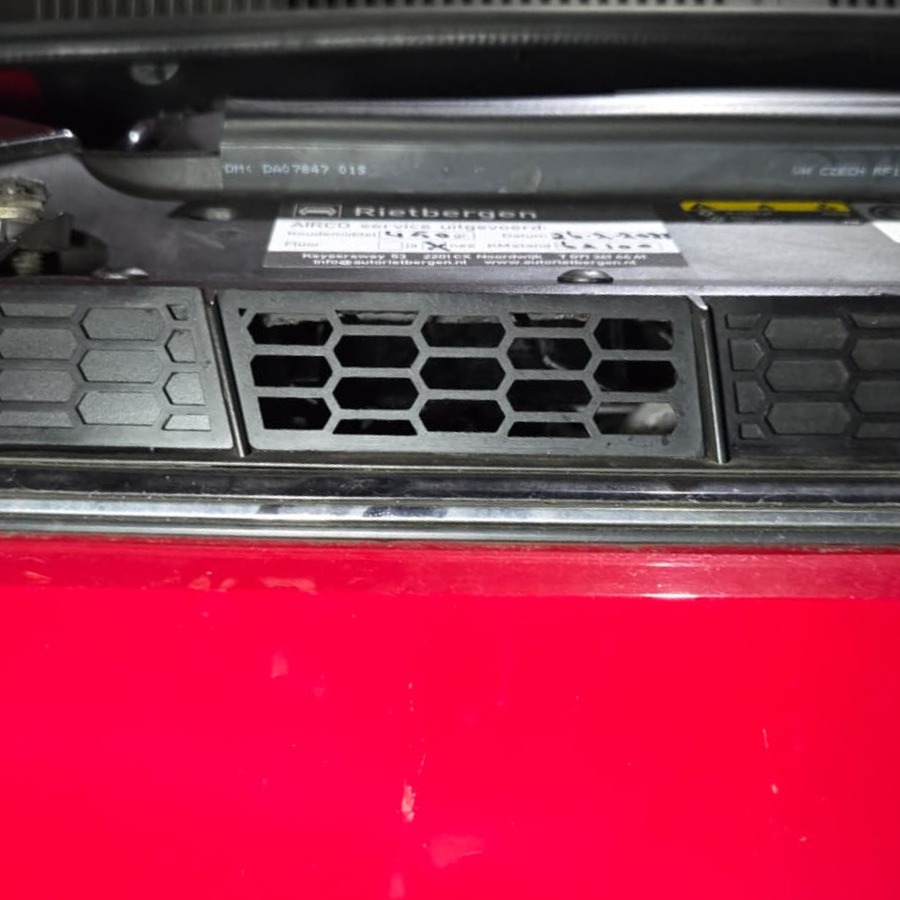
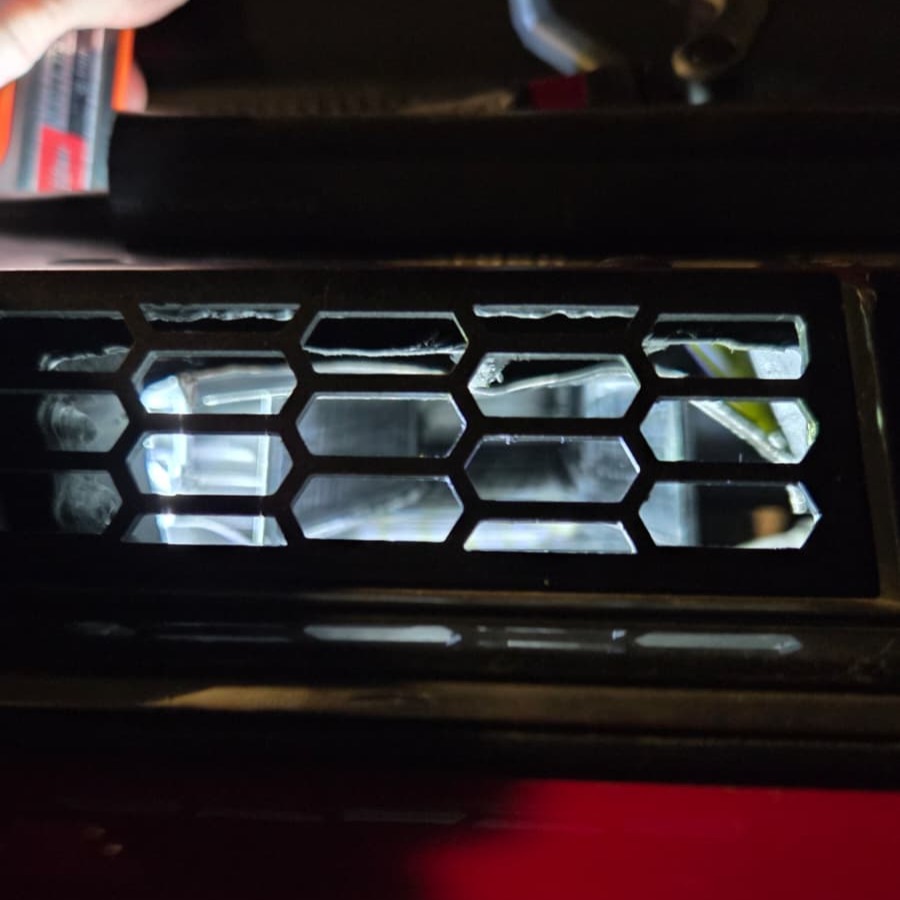
For optimal airflow, we recommend ordering the UpYourCarPlay 3D-printed grille. The Cold Air Intake requires an opening in the front grille, neatly finished with our 3D-printed grille for a clean, OEM-like appearance.
We also recommend, for the complete package, ordering the UpYourCarPlay High‑Flow Turbo Inlet (1.0 TSI EA211) – VW/Audi/Seat/Škoda for maximum results.
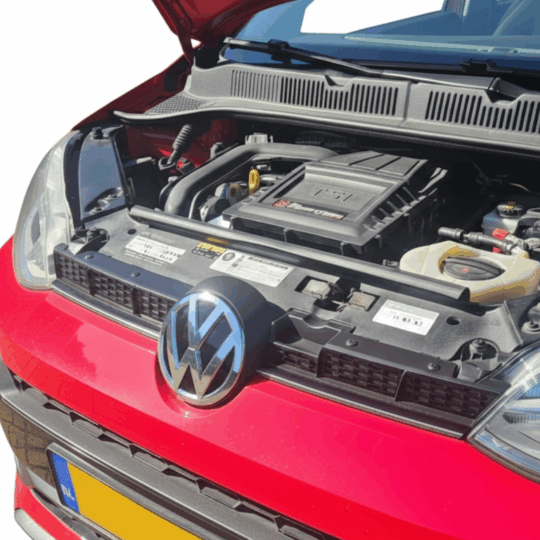
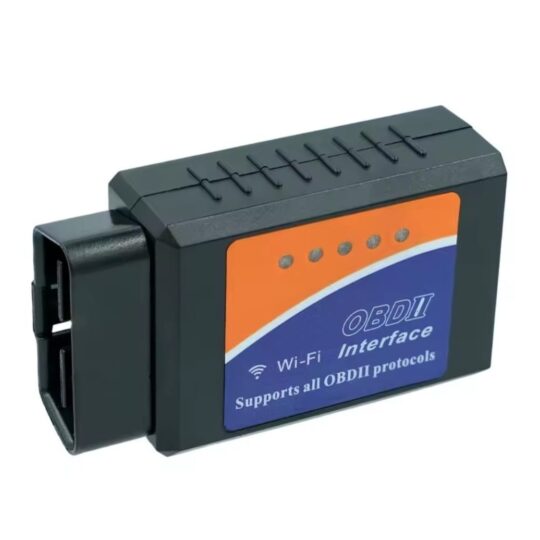
Ik heb alle 3 de producten besteld de elbow deze intake en de grill, wat een verschil ik heb met de obd tool van upyourcarplay eerst gemeten wat de intake temperatuur was deze zat altijd rond de 55 graden nu met deze upgrades zit de intake temperatuur ongeveer 10 grade warmer dan de buiten temperatuur. meetbaar verschil dus. wel heb ik een inleg filter van k&n.
Goede pasvorm, makkelijk te monteren. Even de Torx losdraaien en je schuift hem er zo op.